
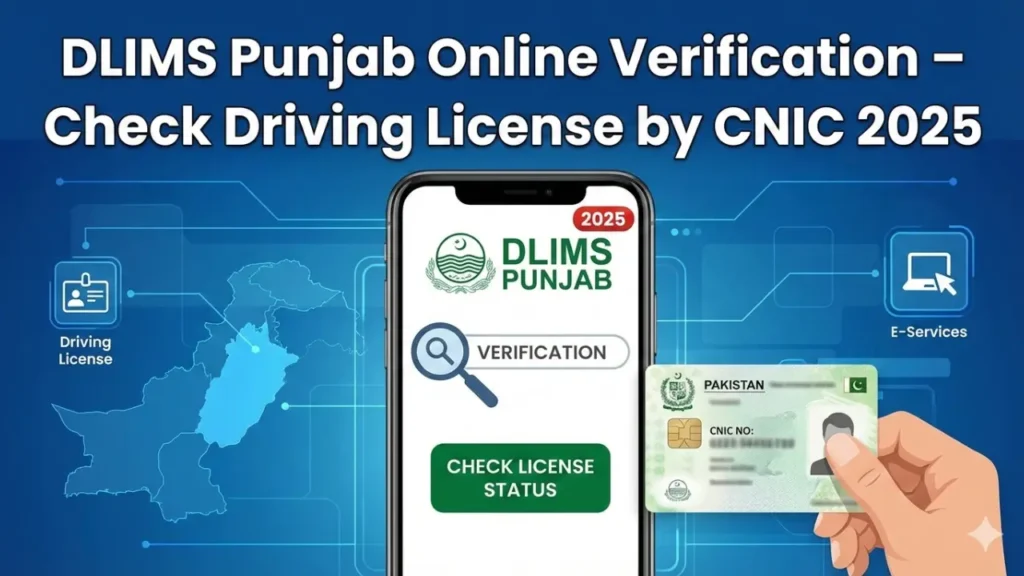
A valid driving license is essential for legal driving, job applications, and vehicle transactions in Pakistan. This page helps you verify a driving license in Pakistan quickly using DLIMS Punjab. It explains how to verify a license by CNIC, check license status online, and save a verification PDF. You will also learn quick fixes for common DLIMS verification errors, mobile app tips, and local guidance for Lahore, Rawalpindi, Multan and other cities to avoid delays and fraud.
Quick Intro to DLIMS Verification
DLIMS Punjab verification by CNIC gives instant proof of license status, issue date, and expiry. Use this page to verify driving license Pakistan records fast, save a verification PDF, and avoid fraud or hiring delays. Follow the steps and keep proof for jobs or sales.
- DLIMS Punjab shows license issue and expiry details.
- Use CNIC when you lack the license number.
- Save a screenshot or export PDF for record.
- Verification helps avoid fake or expired licenses.
- Keep the verification file with your job documents.
Why Verify a Driving License by CNIC?
Employers, buyers, and law officers need a trusted method to confirm a license. Verify license by CNIC Punjab to prove authenticity, check categories, and confirm validity before hire or sale. This step reduces fraud and speeds recruitment and transfer checks.
- Employers use DLIMS verification for driver hires.
- Buyers check license data before car transfer.
- Police and authorities confirm license validity.
- Verification saves time on interviews and sales.
- Use the PDF as a quick, shareable proof.
Also Read: DLIMS Punjab Verification Online – Check Driving License By CNIC 2025
How to Verify Driving License on DLIMS Punjab (Step-By-Step Process)
Follow these precise steps to verify driving license on DLIMS Punjab. Enter correct CNIC digits, pass the captcha, and save the result. Repeat with license number if the CNIC result returns multiple records or no match.
- Open the official DLIMS Punjab verification page.
- Select “Verify By CNIC” or “Verify By License Number.”
- Enter CNIC exactly as printed on your card.
- Type the captcha code and click Verify.
- Wait for the results and check name, category, expiry.
- Click Print or Save PDF for proof and email it if needed.
Also Read: DLIMS Punjab Verification Online – Check Driving License By CNIC 2025
Common DLIMS Verification Errors and Fixes
Small mistakes trigger common DLIMS errors. This list shows quick fixes for “No record found,” upload fail, and payment issues. Keep screenshots and timestamps to speed support and resolve disputes at the local DLIMS counter.
- No record found → recheck CNIC digits and remove spaces.
- Multiple records → use license number to find the right entry.
- Captcha fails → reload page and enter new captcha.
- Portal timeout → clear browser cache and retry in a new tab.
- Upload error → convert images to PDF and reduce file size.
- Payment failed → save bank SMS and retry or call bank.
Verify License by CNIC for Job Applications
Add DLIMS verification to your job applications to build trust. Attach a saved verification PDF to your CV when you apply for driver roles. Recruiters in Lahore, Rawalpindi, and other Punjab cities trust live CNIC checks during shortlisting.
- Run DLIMS Punjab verification and save PDF.
- Attach verification PDF with your CV or email.
- Note license category and expiry in your resume.
- Mention “DLIMS verified by CNIC” in your cover note.
- Provide additional training or endorsements if required.
Verify License by CNIC for Vehicle Sale or Transfer
Buyers want clean records before they pay. Use DLIMS verification when you sell a vehicle. Show the live verification PDF at the meeting or add the proof to your sales listing to speed trust and avoid later disputes.
- Share verification PDF with buyer before negotiation.
- Run live verification with the buyer for transparency.
- Add verification proof to your online sale listing.
- Verify buyer details if they ask for transfer help.
- Keep transaction records and verification screenshots.
Also Read: DLIMS License Status | Check Driving License Punjab 2025
DLIMS Verification by CNIC via Mobile App
The DLIMS app gives instant verification on the phone. Log in with CNIC and OTP, tap verify, and save the result. Use the app for quick checks on-the-go and to send proof from your device without printing.
- Download the official DLIMS or Dastak app from the portal link.
- Log in with CNIC and confirm with OTP.
- Tap “Verify License” and enter CNIC or license number.
- Save or share the result directly from the app.
- Update the app often to avoid bugs and maintain security.
Local Tips for Punjab Users
Local rules and office speed vary across Punjab. Use district tips to save time. Book appointments early in Lahore. Carry printed verification in Rawalpindi. Expect courier delays in Multan. Follow local steps to avoid extra trips.
- Lahore: Book test and appointments two weeks early.
- Rawalpindi: Bring printed verification for HR packets.
- Multan: Track courier daily after dispatch.
- Small districts: Visit office early to beat queues.
- Keep a local contact number for faster support.
Security and Privacy Notes
Protect CNIC and license data. Use only official DLIMS links or the app to verify license by CNIC. Do not upload your CNIC to unknown sites. Share verification PDF only with trusted parties and avoid third-party mirrors that charge fees.
- Verify the portal URL before data entry.
- Avoid third-party sites that ask for extra fees.
- Do not post CNIC screenshots on public forums.
- Use secure email to send verification PDFs.
- Delete temporary files after submission.
Quick Troubleshooting Log Template
Keep a short log for any verification problem. Note time, CNIC, error message, and screenshot file name. Present this log at the DLIMS office or in an email to speed dispute resolution and reduce repeated steps.
- Date and time of attempt
- CNIC entered and method used (CNIC/license)
- Error message text or screenshot name
- Browser and device used (Chrome, mobile)
- Action taken (retry, clear cache, visit office)
For Complete Details, Visit Our DLIMS Complete Guide: DLIMS Pakistan – Complete Guide For Online Apply, Verification, Tracking & Renewal (2025 Updated)
FAQs
This FAQ answers top local queries on DLIMS verification by CNIC, DLIMS app download, tracking status, and common errors. Use the questions when you need fast steps or proof for a job, sale, or legal check in Pakistan.
How do I verify my License by CNIC on DLIMS Punjab?
Open the official DLIMS verification page, choose “By CNIC,” enter CNIC, solve captcha, and click Verify. Save the result as PDF.
What if DLIMS shows no record for my CNIC?
Check CNIC digits and remove extra spaces. Try the license number route. If the issue remains, visit the local DLIMS office with CNIC and proof.
Can employers verify a candidate’s License online?
Yes. Employers run DLIMS verification by CNIC and save the PDF. This step speeds screening and reduces fraud for driver hires.
Is the DLIMS app safe for verification?
Yes, when you download the app via the official portal link or your app store. Log in with CNIC and OTP to verify.
How often should I re-verify before a sale?
Re-verify the same day you meet the buyer. Live verification prevents surprises and proves the record at sale time.
Final Note
Verify driving license Pakistan records through DLIMS Punjab before any hire or sale. Save the verification PDF and keep a short troubleshooting log. Use the official app link, protect CNIC data, and follow local tips to finish tasks fast and avoid delays.
About Dailypostjob.com
Dailypostjob.com shares guides on jobs and public services for people in Pakistan. If this guide helped you, please share it with family and friends. Your share helps others find correct info and finish their tasks faster.
You can also read our others useful article: